
Why Device Maintenance Actually Matters
The average American household owns dozens of connected devices — smartphones, laptops, tablets, smart speakers, wearables — and replaces most of them well before they stop working. A cracked screen here, sluggish performance there, a battery that barely lasts the morning: these are often the results of preventable neglect rather than inevitable wear.
Extending the usable life of your devices isn't just good for your wallet — though the savings are real. It also reduces the environmental cost of electronics manufacturing and keeps you from scrambling through a stressful emergency upgrade. Think of gadget maintenance the way you think about routine vehicle upkeep: small, consistent habits prevent the expensive failures. This playbook walks you through the most effective ones.
~3 years
Average US smartphone replacement cycle
Industry research from sources including Statista has tracked the average US smartphone upgrade cycle extending toward three years as device prices rise and hardware improvements slow.
500–1,000
Typical lithium-ion battery charge cycles before notable capacity loss
Most device manufacturers, including Apple and major Android OEMs, publish figures in this range for their battery designs under normal usage conditions.
Protect Your Battery — It's the Weakest Link
Batteries are the component most consumers damage without realizing it. Lithium-ion batteries — the kind in virtually every portable device — degrade faster when routinely charged to 100% and left plugged in, or when drained completely to zero. Both extremes stress the cells.
Keep your battery charge between 20% and 80% whenever practical.
Lithium-ion cells experience the least chemical stress in the middle of their charge range. Consistently charging to 100% and staying plugged in accelerates capacity loss over months. Most modern phones and laptops include settings to cap charging at 80% for exactly this reason.
Avoid exposing devices to temperatures above 95°F (35°C), especially while charging.
Heat is the single biggest accelerant of battery degradation. Charging generates heat on its own; adding ambient heat from a hot car seat or direct sunlight compounds the damage rapidly.
Remove phone cases during intensive charging sessions if the device gets noticeably warm.
Thick cases trap heat around the battery during charging. Temporarily removing the case lets the device dissipate heat more effectively, reducing thermal stress on the cells.
Shut down or fully power off devices at least once a week.
Regular restarts clear cached memory, close background processes, and apply pending updates cleanly. Devices that never fully shut down often develop sluggish performance over time that a simple restart can reverse.
If you're ever ready to set aside an older device for a while, the same logic that applies to storing a car during extended non-use holds here: store the device at a partial charge (around 50%) in a cool, dry location rather than leaving it plugged in indefinitely.
Keep It Clean and Physically Protected
Dust, debris, and moisture are silent killers for electronics. Vents clogged with dust cause processors to overheat and throttle performance. Charging ports packed with pocket lint lead to poor connections and failed charges. Screens scratched by keys or grit become harder to read and more vulnerable to cracking.
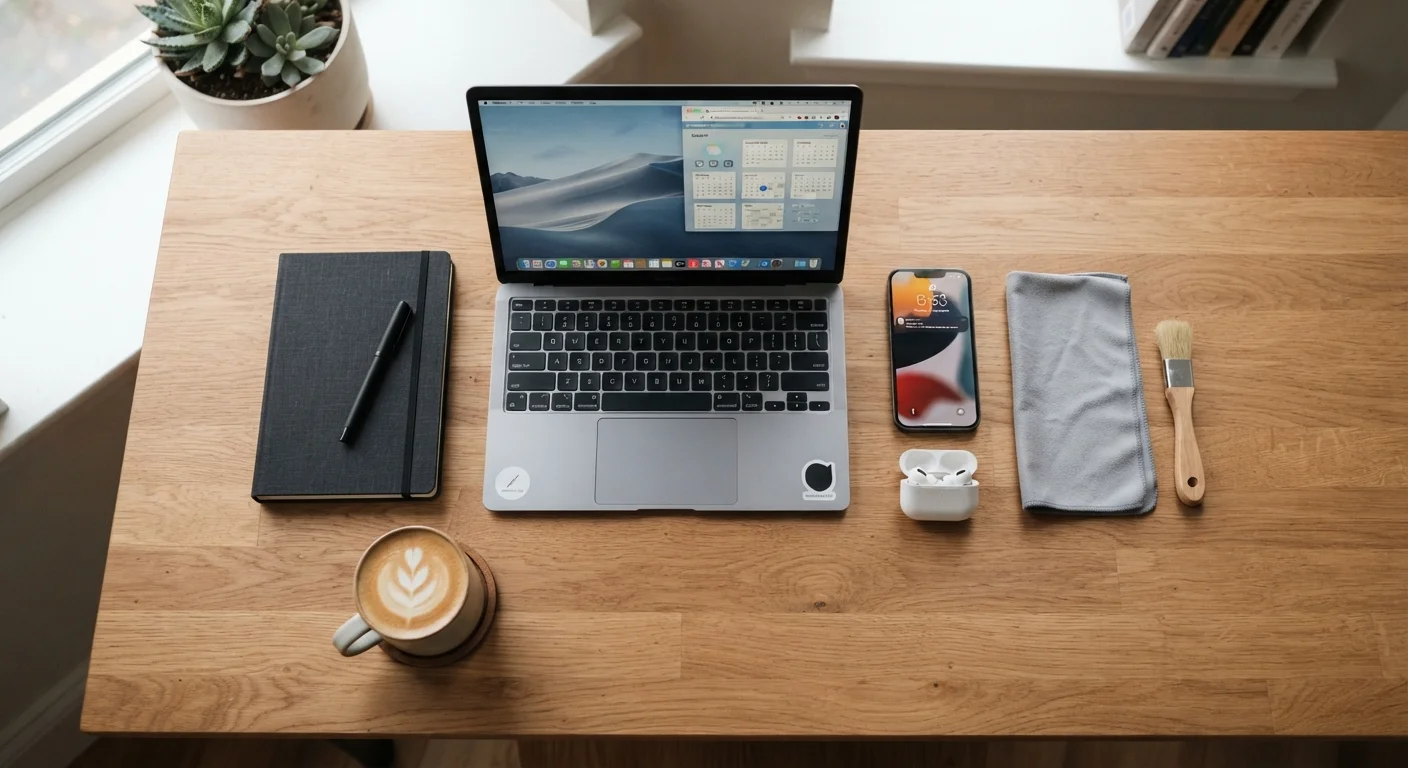
A compressed-air canister and a microfiber cloth handle most cleaning jobs safely. For laptops, gently clearing keyboard vents every few months prevents the heat buildup that shortens component life. Avoid liquid cleaners directly on screens; use cloths lightly dampened with water or purpose-made electronics wipes. For a broader sense of how cleaning tools fit into household upkeep, the home maintenance supplies guide is a useful reference.
A Case Is the Highest-ROI Accessory
A quality protective case is the single most cost-effective way to extend a device's life. Drops are the leading cause of screen damage, and screen repairs often cost nearly as much as the device's current resale value. A basic case absorbs impact energy that would otherwise transfer directly to the glass and internal components.
Software Updates Are Maintenance, Not Interruptions
Many users dismiss update notifications because they feel disruptive. In practice, skipping updates is one of the fastest ways to degrade a device. Operating system and firmware updates frequently include performance improvements, memory management fixes, and critical security patches. Running outdated software also means your device is increasingly exposed to known vulnerabilities.
Set major devices — phones, tablets, laptops — to update automatically overnight when connected to power and Wi-Fi. For smart home devices and routers, check the manufacturer's app or admin panel every few months; these are often overlooked but equally important. If you're newer to how devices update and interact, the first-timer's orientation to consumer electronics covers the basics clearly.
Storage, Environment, and Long-Term Habits
Where and how you store devices when not in use matters more than most people expect. Extreme heat — a car dashboard in summer, a windowsill in direct sun — can permanently reduce battery capacity and warp plastic components after just a few exposures. Cold isn't harmless either; very low temperatures cause temporary battery shutoffs and can damage LCD displays.
Humidity is another underappreciated risk. Even devices rated for some moisture resistance benefit from storage in dry environments. A simple silica gel packet in a gadget drawer absorbs ambient moisture effectively.
The broader point is that longevity comes from accumulated small decisions: using a case, keeping devices away from heat sources, not leaving them plugged in all day on a hot desk. These aren't complicated habits. For a comprehensive view of the full ownership lifecycle — from setup through eventual retirement — see the complete consumer electronics ownership guide. And when a device finally does reach the end of its useful life, preparing it properly for recycling or donation is the responsible next step.
When Maintenance Isn't Enough
Even well-maintained devices eventually reach end-of-life when software support ends and hardware can no longer run current apps efficiently. At that point, responsible disposal matters. Wiping personal data, removing linked accounts, and using certified e-recycling programs are all important steps — the same discipline that goes into caring for a device should go into retiring it properly.
