
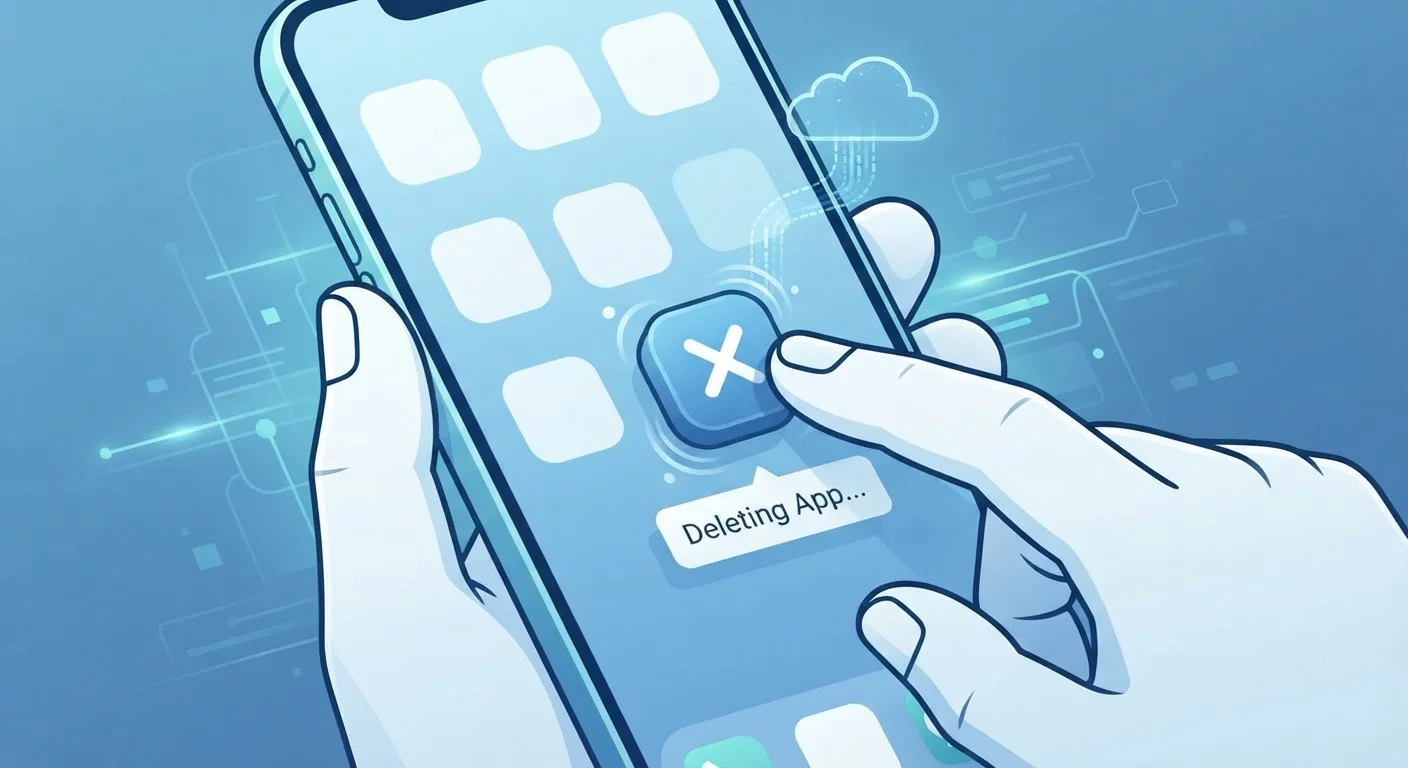
Two Different Things: Deleting the App vs. Deleting Your Data
Most people assume that deleting an app erases everything connected to it. It's a reasonable assumption — you tap "Delete," confirm, and the icon disappears. But from a data perspective, you've only done half the job.
An app has two data footprints. The first lives on your device: the app code itself, cached files, local settings, and any content stored for offline use. When you delete the app, this local footprint is removed. The second footprint lives on the company's servers: your account profile, login credentials, usage history, messages, photos you've uploaded, and behavioral data collected while you used the service. That footprint remains completely intact after you uninstall.
Think of it like checking out of a hotel. Leaving the building doesn't erase the reservation record in the hotel's system. Your information stays on file unless you specifically ask them to remove it.
Not All Data Is Deleted Immediately
Even after you submit a valid deletion request, companies may retain certain data for a legally permitted period — for example, transaction records required for tax compliance or data held in backup systems awaiting a scheduled purge cycle. A company's privacy policy should specify its data retention schedule.
What Data Companies Actually Keep
The scope of what a company retains varies by service, but common categories include:
- Account information: Name, email address, phone number, and password hash.
- Usage history: What content you viewed, searched, purchased, or interacted with.
- Device and location data: The type of phone you used, your IP address, and — if you granted permission — location data.
- Communications: Messages, comments, or reviews you created within the app.
- Payment information: If you made purchases, billing data may be retained for legal and accounting reasons.
Some of this data is kept for legitimate operational reasons — fraud prevention, legal compliance, or service continuity. Other data is retained for advertising and analytics purposes. The difference matters, and the app's privacy policy should spell it out, even if the language is dense.
45 days
Maximum CCPA response time for data deletion requests
Under the California Consumer Privacy Act, businesses must fulfill verified consumer deletion requests within 45 days, with a possible 45-day extension in complex cases.
~2.5 million
Data deletion requests submitted under GDPR annually
European data protection authorities have reported millions of data subject requests — including erasure — processed each year since GDPR took effect in 2018.
How to Actually Delete Your Data
Getting your data off a company's servers requires a deliberate, separate action. Here's the general process:
- Delete your account before uninstalling. Most apps include an account deletion option buried in Settings > Privacy or Settings > Account. Use this first, while you still have access to the app's interface.
- Submit a formal data deletion request. Many companies provide a data request form, often linked from their privacy policy page. Under laws like the CCPA and GDPR, companies operating in covered jurisdictions are required to process these requests — typically within 30–45 days.
- Revoke connected permissions. Before deleting, check whether the app is connected to other accounts (like "Sign in with Google"). Revoke those authorizations separately through your Google or Apple account settings.
- Uninstall the app. Once you've requested account deletion and revoked permissions, uninstalling the app completes the process on the device side.
If you're also preparing to hand off your phone, our checklist for wiping a device before recycling or donating covers additional steps to protect your personal information.
Delete Your Account Before You Uninstall
It's easier to navigate account deletion settings while the app is still installed on your device. Once you uninstall, you may need to reinstall just to find the deletion option — or hunt through the company's website. Make account deletion your first step, not your last.
What Your Rights Look Like in Practice
Privacy law has given consumers more control over their data than they had a decade ago, but exercising those rights takes some effort. In the United States, the California Consumer Privacy Act (CCPA) covers California residents and gives them the right to request deletion of their personal data from businesses that meet certain size or revenue thresholds. Some other states have passed similar legislation, and the landscape continues to evolve.
Globally, the EU's General Data Protection Regulation (GDPR) is among the most comprehensive, covering users who interact with services from within the EU.
“Consumers often think that deleting an app is like throwing away a piece of paper. In reality, it's more like shredding a copy while the original stays filed in a cabinet you don't have a key to.”
— A privacy researcher paraphrasing a common finding in consumer data studies, Privacy and data rights researcher
In practice, this means large platforms — social media apps, shopping apps, streaming services — are more likely to have clear deletion pathways than smaller independent apps, which may have patchy compliance. When in doubt, email the company's privacy contact directly with a written deletion request and keep a copy for your records.
For related context on how apps operate under the hood — and how their data practices differ from mobile websites — see our explainer on native apps vs. mobile websites.
Building Better App Habits Going Forward
The best time to think about data deletion is before you install an app, not after. A few practical habits can reduce your exposure over time:
- Audit your app list periodically. If you haven't used an app in six months, consider deleting your account and removing it. Dormant accounts are a liability — they hold your data but you're no longer monitoring them for security issues.
- Read the key sections of privacy policies. You don't need to read every word, but the sections on data retention, third-party sharing, and user rights are worth a few minutes of your time.
- Grant minimum necessary permissions. If a photo-editing app asks for access to your microphone, that's worth questioning. Fewer permissions mean less data collected in the first place.
- Watch for background data activity. Some apps quietly collect data even when you're not using them. Our guide to identifying apps that run in the background can help you spot and stop that behavior.
When you eventually upgrade your phone, these habits pay off. Our walkthrough for setting up a new smartphone can help you migrate what you need — and leave behind what you don't.
