
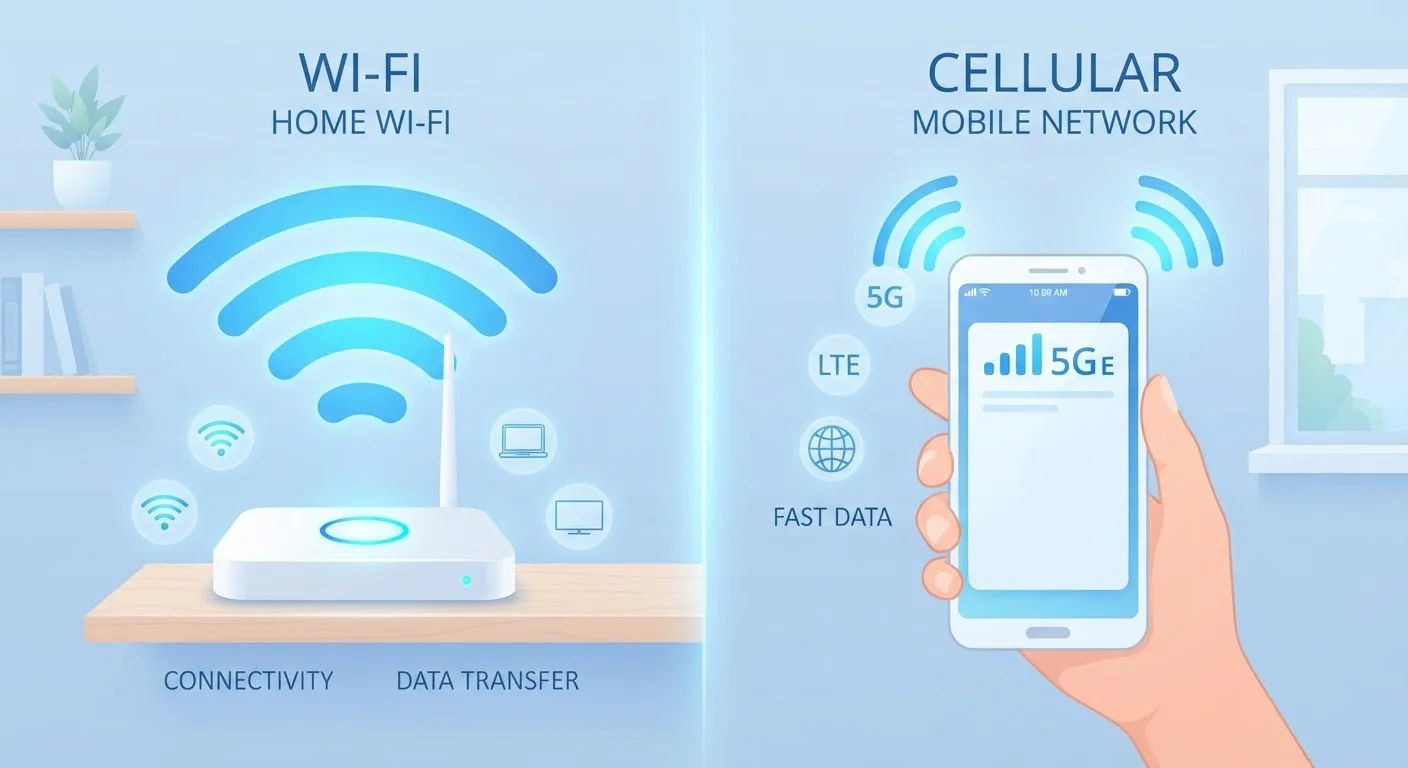
How Each Connection Type Actually Works
Wi-Fi connects your device to the internet through a local router, which is itself connected to a broadband service — typically cable, fiber, or DSL. That router broadcasts a wireless signal inside a building, and your phone, tablet, or laptop picks it up. The internet traffic flows over your home or business internet plan, which usually comes with no meaningful data cap for everyday use.
Mobile data works differently. Your phone connects directly to your carrier's cellular towers using radio frequencies — the same towers that handle calls. The connection travels over your carrier's network infrastructure and then out to the internet. This coverage follows you geographically, which is why it works in a parking lot or on a highway. But it draws from the data allotment on your monthly plan, which can be limited depending on your tier.
Understanding this distinction matters because the two connections have genuinely different characteristics in terms of speed, latency, security, and cost — and neither one is universally better.
| Criterion | Wi-Fi | Mobile Data |
|---|---|---|
| Typical speed | 50–500+ Mbps (home broadband) | 20–100 Mbps (4G/5G varies) |
| Data limits | Usually unlimited at home | Plan-dependent; throttling common |
| Security (public networks) | Higher risk on open networks | Carrier-encrypted; lower exposure |
| Coverage | Fixed location only | Follows you anywhere with signal |
| Latency | Generally low and stable | Variable; can spike in weak coverage |
| Cost impact | Included in home broadband bill | Draws from mobile plan allowance |
| Best for large downloads | Yes — no data penalty | Not ideal; eats plan quickly |
Speed and Reliability: The Real-World Picture
On paper, modern home Wi-Fi — especially on newer routers running Wi-Fi 6 — can deliver gigabit speeds in ideal conditions. Understanding your router's specs helps you set realistic expectations about what your hardware can actually deliver. In practice, speed depends on your broadband plan, router placement, and how many devices share the network. Where your router sits in your home can have a bigger impact than the plan you're paying for.
Mobile data speeds on 4G LTE typically average 20–50 Mbps in good coverage areas, while 5G can exceed that significantly in dense urban zones. However, cellular performance degrades in buildings, crowds, and areas with weaker tower coverage. Network congestion at peak hours affects both types of connections, though the cause differs.
2–3 GB
Data used per hour of HD video streaming
Figures vary by platform and resolution, but streaming services generally report this range for standard HD quality.
~37%
US adults who rely heavily on mobile data outside home
Pew Research Center surveys have consistently found a substantial share of Americans use smartphones as their primary internet access point away from home.
20–50 Mbps
Typical 4G LTE average download speed in US
Actual speeds vary significantly by carrier, location, and network congestion, according to independent network testing organizations.
Security: Where Mobile Data Has a Clear Edge
This is where the comparison becomes most consequential for everyday users. Home Wi-Fi, when properly set up with WPA3 or WPA2 encryption and a strong password, is generally secure. The risk rises sharply when you connect to public Wi-Fi — the kind found at coffee shops, airports, hotels, and libraries.
Public Wi-Fi networks are frequently unencrypted or use shared passwords, which means other people on the same network can potentially intercept traffic. Man-in-the-middle attacks — where a bad actor positions themselves between your device and the network — are a documented risk on open networks. Public Wi-Fi carries more risk than most people realize, especially for tasks like checking bank accounts, logging into email, or entering payment details.
Mobile data connections are encrypted at the carrier level and don't expose your traffic to other nearby users the way a shared Wi-Fi network does. For sensitive tasks on the go, switching off Wi-Fi and using your cellular connection is a practical, low-effort security improvement.
Using a VPN on Public Wi-Fi
A VPN (Virtual Private Network) encrypts your internet traffic before it leaves your device, which significantly reduces the risk of interception on public networks. If you regularly use public Wi-Fi for work or sensitive tasks, a reputable VPN service is worth considering. That said, a VPN isn't a complete substitute for avoiding untrusted networks — and it doesn't protect against all threats. When in doubt, switching to mobile data is the simpler option.
Data Limits, Costs, and When to Switch Intentionally
Most home broadband plans in the US are effectively unlimited for practical purposes — heavy streaming and downloading don't typically trigger overages. Mobile data plans vary widely. Unlimited plans exist, but many throttle speeds after a certain threshold (commonly 20–50 GB per month), and some prepaid or budget plans have hard caps measured in gigabytes.
Large file downloads, software updates, and video streaming consume data quickly. A single hour of HD video streaming can use 2–3 GB. If you're on a limited mobile plan, being deliberate about when you use each connection makes a tangible difference in your monthly bill and in avoiding throttling.
A practical approach: set your phone to ask before switching to mobile data for large downloads, or configure app settings to restrict background data on cellular. Most smartphones let you toggle this at the system level or per-app. That way, heavy tasks default to Wi-Fi and lighter ones — maps, quick lookups, messaging — flow through mobile data when you're out.
For shopping or transactions on the go, the connection type affects both security and speed. Online transactions have their own set of considerations beyond just connectivity.
