
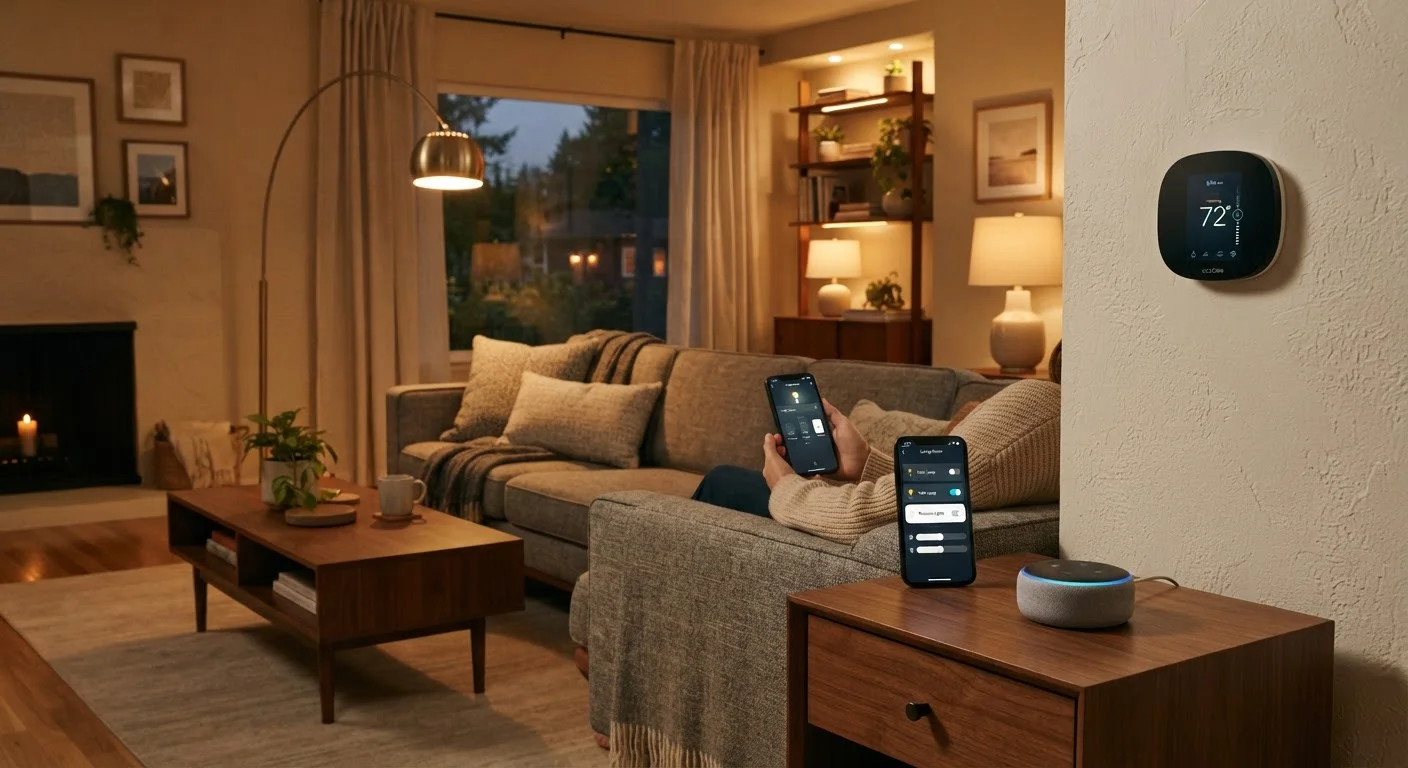
What "Smart" Actually Means
Strip away the marketing and a smart home device does one or more of three things: it connects to your network, it communicates data (like energy usage or motion detection), and it can be controlled or automated without someone physically touching it.
A traditional light switch turns on when you flip it. A smart light switch turns on when you flip it, but also when you ask your phone to do it, when a motion sensor notices you walked in, or at 7 a.m. every day because you set a schedule. The hardware isn't radically different — the connection layer is what changes the behavior.
It's worth noting that "smart" doesn't mean the device thinks for itself. Most smart home devices follow instructions; the intelligence comes from how you configure rules and routines, not from any built-in decision-making.
Start with your most repetitive task
The easiest way to find value in smart home technology is to identify one thing you do manually every single day — adjusting lights, changing the thermostat, checking the front door. Automating that single task gives you a concrete sense of what the technology actually does before you invest further.
How Smart Home Devices Actually Connect
The connection between smart devices and the rest of your home relies on wireless communication protocols — essentially, the language devices use to talk to your network and to each other. The most common ones US consumers encounter are:
- Wi-Fi: The most familiar option. Works without extra hardware, but puts more strain on your home router if you have many devices.
- Zigbee and Z-Wave: Low-power mesh protocols where devices relay signals to one another, extending range. These typically require a hub or bridge device.
- Bluetooth: Short-range and low-power, often used for simpler devices like smart locks or speakers.
- Matter: A newer, open standard backed by major tech companies. Designed so devices from different brands work together natively.
Understanding these protocols helps explain why a device from one brand sometimes won't cooperate with one from another. To go deeper on how platforms and ecosystems tie this all together, see our guide to smart home platforms.
Ecosystem lock-in is real
When you buy smart home devices, you're often also choosing a platform — Google Home, Amazon Alexa, Apple HomeKit, or others. Devices within the same ecosystem work together most smoothly. Mixing ecosystems can work but sometimes requires extra configuration or a compatible hub. The Matter standard is gradually reducing this friction, but it's still worth checking compatibility before purchasing.
What a Realistic Smart Home Setup Looks Like
There's no single blueprint. A smart home can be a single connected thermostat saving energy while you're at work, or a fully automated system controlling lights, locks, climate, cameras, and appliances through a central app. Both qualify.
~69%
US households with at least one smart home device
According to Statista estimates, a large majority of American homes already have at least one connected device, most commonly a smart speaker or streaming device.
1–2 devices
Typical starting point for new smart home users
Consumer surveys consistently show most people begin with a single device category — often lighting or a smart speaker — before expanding their setup.
10–15%
Estimated heating/cooling savings with smart thermostats
Energy efficiency organizations have noted that programmable and smart thermostats can reduce HVAC energy use when properly configured, though actual savings vary by home and usage habits.
Most Americans who own smart home devices start small — a smart speaker or a plug-in outlet — and expand based on what proves genuinely useful. The devices that tend to deliver consistent value are ones tied to repetitive, frequent tasks: lighting you adjust daily, a thermostat you'd otherwise program manually, or a doorbell camera for package deliveries.
For a candid look at where smart home technology genuinely helps versus where it creates new frustrations, our article on owning a smart home covers both sides honestly.
If you're figuring out where a smart speaker, a display, or a hub fits into this picture, understanding the difference between those device types is a useful next step.
Privacy and Practical Considerations Before You Start
Every device you add to your home network is a potential data collection point. Smart speakers listen for wake words. Cameras capture footage. Smart thermostats log your schedule. This isn't a reason to avoid the technology, but it is a reason to make intentional choices about what you bring in and where.
The basics apply here the same as anywhere online: use strong, unique passwords for your router and device accounts, enable two-factor authentication where available, and keep device firmware updated. Check what data a device collects and whether it can be turned off or limited in the device settings.
For a more detailed breakdown of what smart home devices actually collect and what's within your control, see the truth about smart home privacy.
The other practical reality: smart home devices depend on your home internet. If your connection is slow, congested, or frequently drops, device performance will suffer. A reliable, reasonably fast home network isn't optional — it's the foundation everything else runs on.
“The internet of things isn't about things. It's about the data those things generate and what we do with it.”
— Bruce Schneier, Security technologist and author on cybersecurity and privacy
