
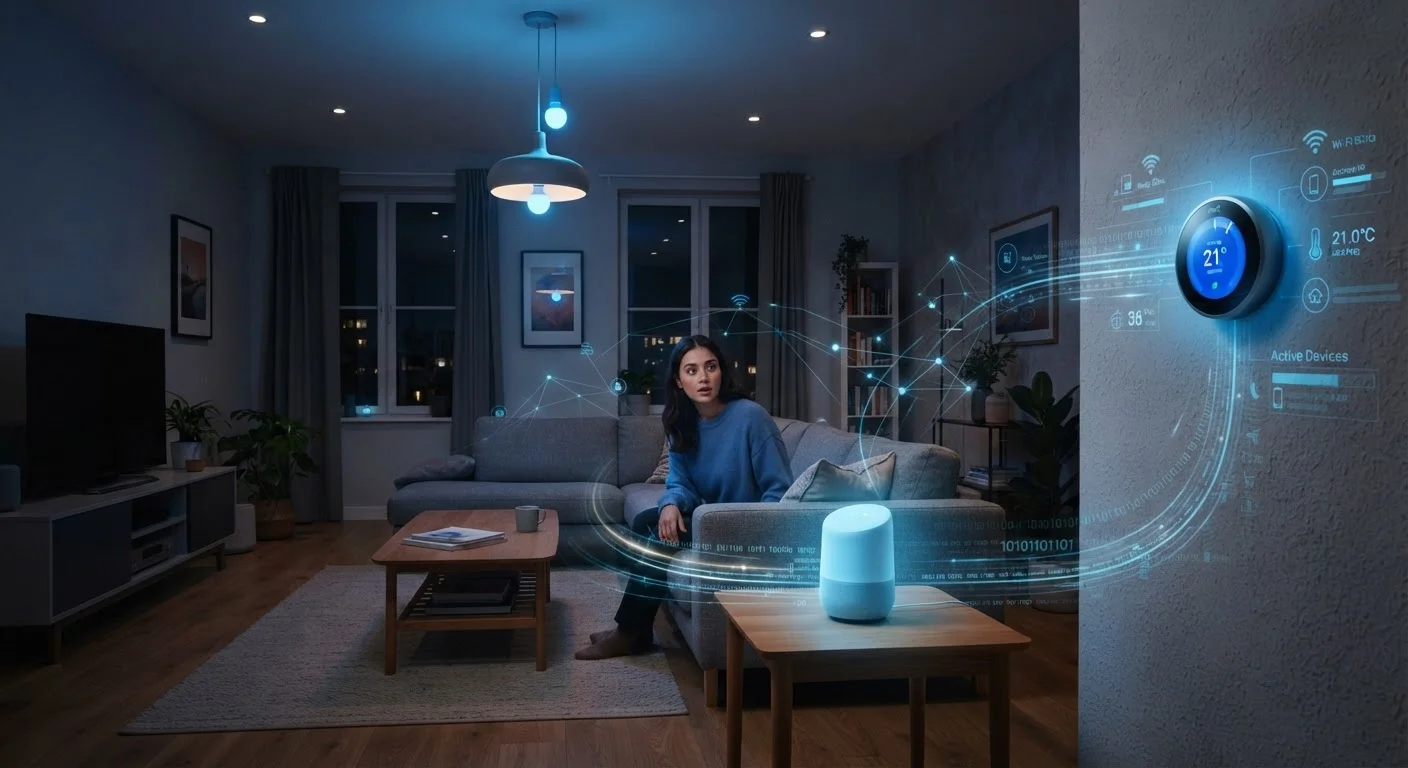
Why Smart Home Privacy Is Misunderstood
Smart home technology sits at an uncomfortable intersection: it's genuinely useful, but it also involves connected microphones, cameras, and sensors living inside your home. That combination fuels both panic and dismissiveness — two reactions that rarely lead to good decisions.
The reality is more nuanced. Yes, smart devices collect data. No, your speaker isn't livestreaming your conversations to a server farm. Understanding what's actually happening — based on how these devices are documented to work — helps you make choices that fit your actual comfort level, rather than reacting to worst-case scenarios or ignoring real risks.
If you're new to the category, start with the basics of how smart homes work before diving into privacy specifics. And once you've worked through the myths below, these privacy settings are worth adjusting on your specific devices.
Myth
My smart speaker is always listening and recording everything I say.
Fact
Smart speakers are designed to listen only for a wake word locally, then send audio to the cloud after activation — not record continuously.
The microphone in a smart speaker is always active in a limited sense — it's processing audio locally to detect its wake word. But that local processing doesn't transmit audio to company servers. Recording and cloud transmission only begin after the wake word is detected.
That said, accidental activations do happen. The device can mishear background conversation as its trigger phrase and record a short clip it shouldn't have. Manufacturers generally allow you to review and delete your voice history in their apps, and muting the microphone physically is an option when you want a guaranteed off state.
Myth
If I'm not using a smart device's main feature, it's not collecting any data.
Fact
Smart devices typically collect usage metadata, connection logs, and diagnostic data even during idle periods.
Even a smart plug sitting idle reports data back to its manufacturer's servers — things like connectivity status, uptime, firmware version, and sometimes usage patterns. This telemetry data helps companies improve products and troubleshoot remotely, but it does mean there's an ongoing data relationship even when you're not actively using the device.
The practical takeaway: treat every networked device as a device that communicates, not just one that sits dormant. Check the privacy policy of any device you bring home to understand what baseline data it collects, and look for options to reduce diagnostic sharing if that matters to you.
Myth
Smart home devices are so vulnerable that they're basically open doors for hackers.
Fact
Security risks are real but largely manageable with standard practices — smart devices aren't uniquely more dangerous than other connected technology.
Poorly secured smart devices have been used in attacks, including large-scale botnets that hijacked devices with unchanged default passwords. But that vulnerability isn't unique to smart home tech — any networked device with weak credentials or outdated software is a potential entry point.
The mitigating steps are well-established: change default passwords, update firmware, and segment your network so IoT devices don't have access to more sensitive systems. These aren't complicated or expensive — they're the same disciplined habits that protect any home network. An honest look at smart home trade-offs covers the broader picture of what to realistically expect.
Myth
Deleting the app removes the data a smart home company has already collected.
Fact
Deleting an app removes it from your device but does not automatically delete the data already held by the company's servers.
Data collected by smart home platforms — voice snippets, usage history, device logs — is stored on company infrastructure, not on your phone. Removing the app ends future data collection from that device but leaves existing records intact unless you explicitly request deletion.
Under frameworks like the California Consumer Privacy Act (CCPA), residents of certain US states have the legal right to request deletion of their personal data. Many companies have extended similar tools to all US users. Look for a data deletion or account removal option within the app or on the manufacturer's website before you uninstall.
Myth
A strong Wi-Fi password is all the security a smart home needs.
Fact
A strong Wi-Fi password is necessary but not sufficient — network segmentation, device-level security, and firmware updates are equally important.
Your Wi-Fi password prevents unauthorized people from joining your network, but it doesn't protect you from a compromised device already on that network. If a smart bulb or camera gets exploited, a flat network architecture means that device could potentially probe other devices — your laptop, a NAS drive, your phone — on the same network.
Segmenting your IoT devices onto a separate network (often called a guest network or VLAN depending on your router) limits what a compromised device can reach. Combined with unique passwords per device and regular firmware updates, this layered approach is how security professionals think about home network defense. Understanding where smart devices fall short can help you prioritize which devices deserve extra scrutiny.
What You Can Actually Do About It
Understanding the myths is useful, but taking a few concrete steps matters more. Here's where to focus your energy:
- Create a separate IoT network. Most modern routers let you set up a guest or secondary network. Keeping smart devices on their own network means a compromised device can't easily reach your laptop or phone. This is one of the highest-impact steps you can take.
- Audit app permissions regularly. The companion apps for smart devices often request access to your location, contacts, or microphone far beyond what the device needs. Periodically review and revoke permissions that aren't essential.
- Turn off features you don't use. Voice history saving, personalized ad targeting, and usage analytics are often opt-in by default. Disabling them in your device or app settings reduces how much behavioral data is stored long-term.
- Update firmware. Security vulnerabilities in smart devices are real, and manufacturers regularly patch them. Keeping firmware current is basic hygiene — it closes known exploits before they can be used. Skipping firmware updates is one of the most common smart home setup mistakes.
- Review your router's connected device list. Knowing what's on your network is the first step to managing it. Unfamiliar devices showing up can be a red flag worth investigating.
Default Passwords Are a Known Vulnerability
Many smart home devices ship with identical default usernames and passwords across thousands of units. If you don't change them, anyone who looks up the model's default credentials can attempt access. Change the default password on every device and its companion app account as part of initial setup — use a unique, strong password for each one.
It's also worth understanding the limits of tools like VPNs in this context. A VPN on your phone protects traffic from your phone — it doesn't automatically cover every smart device on your home network. Learn what a VPN actually does and where it falls short before assuming it solves your smart home privacy concerns.
No setup eliminates privacy risk entirely. But the combination of network segmentation, thoughtful permission management, and staying current with updates puts you in a genuinely stronger position than most households.
