
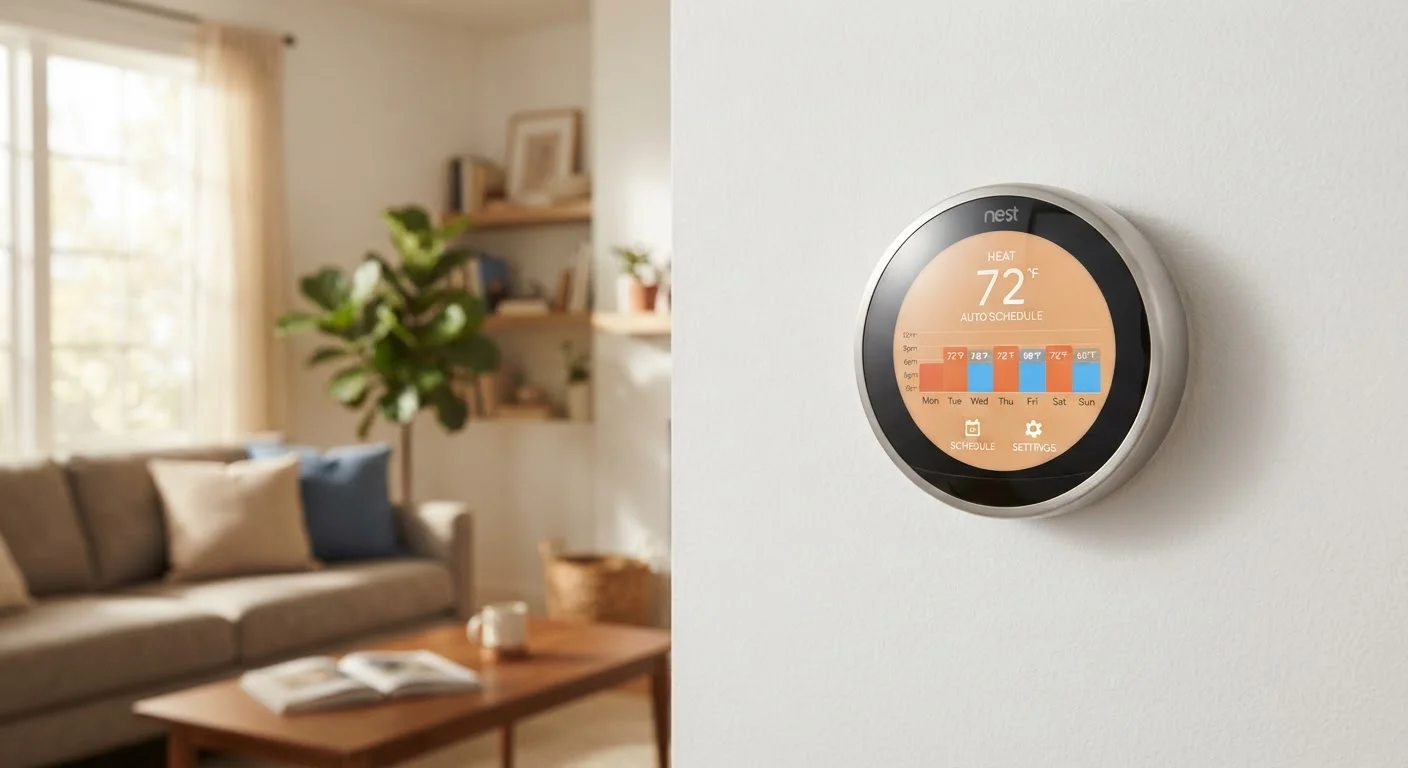
How the Learning Process Actually Starts
When you install a smart thermostat, the device has no idea what your household's preferences are. The learning process begins the moment you make your first manual adjustment — turning the heat up in the morning, for example, or dropping the temperature before bed. Each of those changes is recorded with a timestamp and mapped to the current occupancy state of your home.
During the first week or two, the thermostat is essentially in observation mode. It is logging patterns: what temperature you prefer at 7 a.m. on weekdays, whether you tend to cool the house down on weekend afternoons, and when the home consistently goes quiet at night. These data points feed into an algorithm that starts constructing a draft schedule — one that it will test, adjust, and refine based on whether you override it or leave it alone.
To get the most out of this period, interact naturally with the thermostat. Every manual override is useful feedback, not a sign the device is failing. That is how it calibrates.
Make Manual Adjustments Freely at First
During the initial learning period, do not try to let the thermostat figure things out on its own. Adjust the temperature whenever you would naturally want to — that interaction is data the algorithm needs. Treating the thermostat as if it already knows your preferences will slow down the learning process, not speed it up.
Sensors and Location: How the Thermostat Knows You're Home
Manual adjustments alone do not tell the whole story. Smart thermostats use a combination of built-in sensors and connected data sources to detect occupancy in real time.
The most common built-in sensor is a passive infrared (PIR) sensor, the same technology used in motion-activated lights. When it detects body heat moving through a room, it logs the home as occupied. If the sensor sees no movement for an extended period, the thermostat shifts to an energy-saving mode — often called "away" mode — without you touching anything.
Many models also connect to a companion smartphone app. With location permissions enabled, the app can use your phone's GPS to detect when you have left a defined area around your home and when you are returning. This gives the thermostat a heads-up before you even walk through the door, so it can have the temperature back to your preferred level by the time you arrive.
~10–15%
Typical reduction in HVAC energy use
The U.S. Department of Energy has noted that setback thermostats — adjusting temperature when away or asleep — can reduce HVAC energy use by roughly 10–15%, though actual results vary by home and climate.
1–2 weeks
Average initial learning period
Most smart thermostat manufacturers state that their learning algorithms build a functional automatic schedule within approximately one to two weeks of consistent use.
If privacy is a concern — and it is worth thinking about — these location and sensor features can usually be turned off in the app without fully disabling the thermostat. You would just lose some of the automation. For a fuller look at what these devices collect, our article on smart home privacy and data collection walks through what typically happens to that data.
How the Algorithm Adapts Over Time
A smart thermostat's learning model is not a static schedule that gets locked in after two weeks. It is continuously updated, with more recent behavior weighted more heavily than older data. This design allows the algorithm to adapt when your routine shifts — a new job with different hours, a seasonal change in when you wake up, or a work-from-home period.
The practical implication: if your life changes, give the thermostat a few days of consistent new behavior before expecting it to catch up. Repeated manual overrides in a new pattern are the clearest signal you can send.
Smart thermostats are one component in a broader connected home setup. If you are thinking about how they fit alongside other devices, understanding what a smart home actually means is a useful starting point. And if you want to know how these devices interact with platforms like Google Home or Apple HomeKit, our guide to smart home ecosystems and compatibility explains how the pieces connect.
“The real value of a learning thermostat is not that it is smarter than you — it is that it is more consistent. It never forgets to turn the heat down when you leave, and it never has to be reminded.”
— Energy management researcher, Building energy systems researcher, published in applied energy technology literature
Common Misunderstandings About Smart Thermostat Learning
One common misconception is that a smart thermostat is always "fully automatic" from day one. In reality, the first couple of weeks require active participation — adjusting the temperature as you normally would, even if it feels redundant. Another is that the thermostat will eventually stop needing any input. Most people continue to make occasional manual adjustments, and that is normal and healthy for the system.
Some people also assume the learning feature means they cannot set a manual schedule. Most smart thermostats let you do both — run a learned schedule as a baseline while allowing manual overrides at any time. If you want to review common missteps people make when getting started, see our piece on first-time smart home setup mistakes.
Finally, a smart thermostat's learning feature is most effective in homes with relatively consistent occupancy patterns. Households with highly irregular schedules may find that leaning on occupancy sensing — rather than time-based learning — gives more reliable results in practice.
Learning Varies by Model and Manufacturer
Not every thermostat marketed as "smart" includes a learning algorithm. Some smart thermostats are primarily app-controlled versions of traditional programmable models, requiring you to set a schedule manually. Check whether a specific device advertises adaptive or learning scheduling before assuming it will build a routine on its own.
