
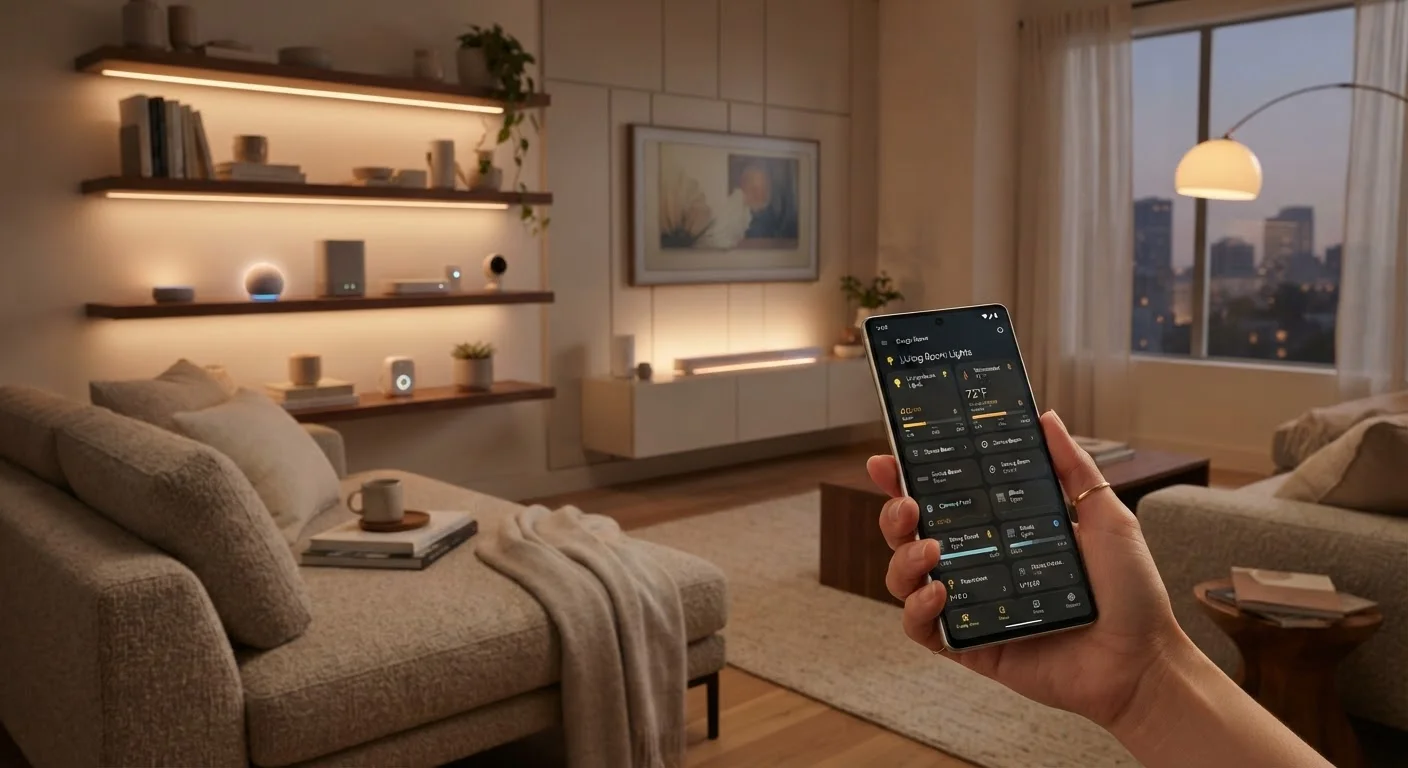
What Smart Home Automation Actually Means
If you've heard the phrase "smart home" and wondered whether it requires a tech degree or a major renovation, the short answer is no. Smart home automation is the practice of connecting devices in your home — lights, thermostats, locks, plugs — so they can be controlled remotely or act on their own according to rules you set.
The key word is automation. Simply being able to turn off a lamp from your phone is remote control. Automation happens when a device does something without you having to initiate it each time — your porch light switches on at sunset, your thermostat adjusts when you leave for work, your coffee maker starts at 7 a.m. on weekdays.
Before going further, it helps to understand what a smart home actually is at its core. Our overview of what smart home technology really means explains how devices connect and what infrastructure you realistically need.
Automation
A rule that causes a device to act on its own when specific conditions are met, without you manually triggering it each time.
Trigger
The event that starts an automation — such as a time of day, a sensor detecting motion, or your location.
Smart hub
A central device that connects and coordinates smart home products from different brands under one control system.
Matter
A widely supported industry standard that helps smart home devices from different manufacturers work together more reliably.
Local control
When a device can operate on your home network without needing an internet connection to a manufacturer's cloud server.
Platform
The software ecosystem — such as Amazon Alexa, Google Home, or Apple HomeKit — that lets you manage and automate multiple smart devices from one place.
What You Can Realistically Control
The range of automatable devices has grown dramatically, but beginners should focus on the categories that offer the most immediate, low-frustration payoff:
- Lighting: Smart bulbs and switches let you schedule on/off times, dim automatically, and trigger lights based on motion or time of day.
- Thermostats: A smart thermostat can learn your schedule or accept rules — like dropping the temperature at midnight — to reduce energy use without manual adjustments.
- Smart plugs: These turn ordinary appliances into schedulable devices. Plug in a fan, lamp, or coffee maker, and control when it receives power.
- Locks and cameras: Smart locks can auto-lock at a set time; cameras can alert your phone when motion is detected.
- Voice assistants: Devices like smart speakers can serve as a hands-free control layer across everything above.
An honest look at what smart home devices do well and where they fall short is worth reading before you decide what to prioritize.
How Automations Work
Almost every automation follows a simple logical structure: if , then . Once you internalize this pattern, setting up automations feels intuitive rather than technical.
- Trigger
- The event that kicks off the automation — a time of day, a location (you arriving home), a sensor detecting motion, or even a sunrise/sunset calculation.
- Condition (optional)
- An additional filter — the action only runs if it's also a weekday, or if no one is already home.
- Action
- What happens — a light turns on, the thermostat adjusts, a notification is sent to your phone.
For example: If it's 10 p.m. AND the front door lock is unlocked, THEN lock it automatically. That single rule handles something you might otherwise forget every night.
Most consumer platforms — including major voice assistant ecosystems and dedicated home automation apps — present this logic visually without requiring any coding. You select your trigger from a menu, add an action, and save.
Test Your Automation Before Relying on It
After setting up a new automation, run it manually a few times to confirm it behaves exactly as expected. Automations that control locks or security-related devices especially warrant a few test cycles before you depend on them. Small adjustments to timing or conditions are much easier to catch early than to troubleshoot later.
Building Your First Automation Step by Step
Starting small is not just acceptable — it's the right approach. Here's a practical path for a first-time setup:
- Audit your Wi-Fi. Nearly all smart devices depend on a stable home network. If your router struggles to cover your whole home, address that first. Our first-timer's guide to getting devices connected and working covers this groundwork clearly.
- Choose one device category. A smart plug or a single smart bulb is ideal. The setup cost and learning curve are both low.
- Install and test manual control first. Before building any automation, confirm the device connects and responds to your app correctly. Don't rush to automate a device you haven't verified works.
- Create one simple automation. Set a schedule — lights on at 6:30 a.m., off at 11 p.m. Live with it for a week and adjust based on what actually fits your life.
- Expand deliberately. Add one device or one new automation at a time. This makes troubleshooting far easier if something doesn't behave as expected.
You Don't Have to Automate Everything
Many smart home owners use only remote control for some devices and never set up a single automation — and that's completely valid. The goal is to make your home work better for you, not to automate for its own sake. Let your actual daily frustrations guide which things are worth automating.
Common Pitfalls to Avoid
Most early smart home frustrations are predictable and avoidable. The most common mistake is buying several devices before confirming they work together — compatibility between brands and platforms is not universal. Always verify that a device supports the platform or voice assistant you plan to use before purchasing.
Other frequent missteps include skipping firmware updates (which carry security patches and bug fixes), setting up automations that conflict with each other, and underestimating how much a slow or inconsistent Wi-Fi connection disrupts everything. A detailed breakdown of common smart home setup mistakes walks through these scenarios in depth so you can sidestep them.
It's also worth reading an honest account of what smart home ownership feels like day-to-day. The real upsides and frustrations of owning a smart home covers both the genuine convenience and the occasional annoyances — giving you a realistic picture before you invest further.
Compatibility Is Not Guaranteed
Not all smart home devices work with all platforms or voice assistants. Before buying any device, confirm it explicitly supports the ecosystem you're building around — whether that's a particular voice assistant, a hub, or an app. Returning incompatible hardware is a common and avoidable frustration for first-time buyers.
