
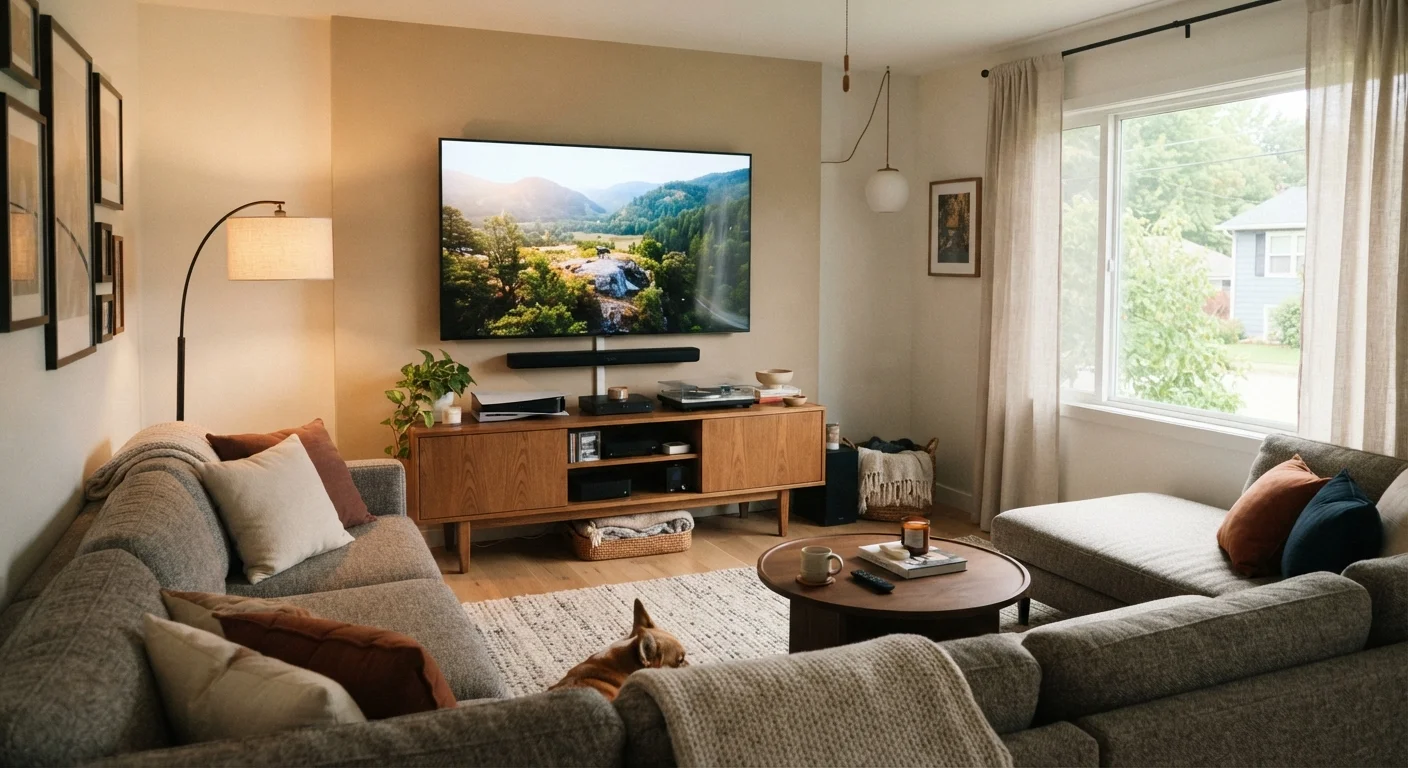
Start With a Budget Ceiling, Not a Wishlist
Most people approach a home entertainment setup backwards — they browse gear first and then try to justify the total. A more effective approach is to set a firm budget ceiling before you look at anything. Decide what you can realistically spend without dipping into savings or adding debt. If you need help structuring that kind of spending plan, the Budgeting Basics hub is a solid starting point.
Once you have a number, divide it into rough categories: display, audio, source devices (like a streaming stick or gaming console), and cables or accessories. Allocating percentages upfront prevents any single item from eating your entire budget. A common mistake is spending 90% on a television and then having nothing left for the audio experience — which is where most people feel shortchanged once the setup is live.
The Display: Good Enough Is Usually Great
Screen size and resolution get the most attention, but room size and viewing distance matter more than spec-sheet numbers. A very large display in a small room creates eye fatigue; a 4K screen viewed from across a large room delivers the same perceived sharpness as a 1080p screen at a closer distance. Measure your viewing distance first, then use it to determine the right screen size rather than defaulting to the largest panel you can afford.
Panel technology — LED, OLED, or QLED — affects contrast and color, but the differences are most visible in controlled demo environments, not typical living rooms with ambient light. A mid-range LED display calibrated correctly in your actual room will often look better day-to-day than a premium panel left on factory settings in a bright space.
Audio: The Component Most Budgets Undervalue
Television speakers have improved over the years, but they remain a weak point for most flat-panel displays — physics limits what a thin chassis can do. A soundbar, even a modest entry-level one, typically delivers a noticeable improvement in dialogue clarity and overall immersion. If you have more flexibility, a soundbar with a separate subwoofer adds low-frequency depth that makes movies and music feel fuller.
Before buying any audio equipment, think about your room's layout. Hard floors and bare walls reflect sound and can make audio feel harsh. Rugs, soft furniture, and curtains act as natural acoustic treatment without any added cost. For a deeper look at how wired versus wireless audio connections affect sound quality and reliability, see our guide to wired vs. wireless home entertainment trade-offs.
Optical vs. HDMI ARC for Audio Connections
Many soundbars support both optical audio cables and HDMI ARC connections. HDMI ARC generally supports more audio formats and allows volume control through a single remote, making it the more capable option on displays that support it. If your television has an ARC-labeled HDMI port, it's usually worth using that connection over optical.
Streaming Devices and Source Components
Most modern televisions include built-in streaming apps, but those platforms tend to slow down over time as operating systems go unupdated and app requirements grow. A dedicated streaming stick or box receives more consistent software support and often runs faster than native TV software — even on a relatively new television. Our comparison of streaming sticks vs. smart TV built-ins walks through how these options differ over a multi-year horizon.
If you're also connecting a gaming console, Blu-ray player, or a cable box, plan your HDMI ports accordingly. Most displays have two to four ports — know how many you need before setup day so you're not caught short.
Keeping It Organized and Future-Proof
Cable management is one of the most underrated parts of any home setup. Tangled cables behind a media console make troubleshooting frustrating and create airflow problems for components that run warm. Simple zip ties or cable sleeves keep things tidy and make it easier to add or swap components later.
Think about how your setup might evolve. Leaving a spare HDMI port free, using a power strip with surge protection, and keeping component firmware updated are small habits that extend the useful life of your gear. If you're considering adding smart home devices to the mix, it's worth reading about common smart home setup mistakes before expanding. And if you want a structured approach to buying everything you need without overspending, a well-planned shopping list can keep decision fatigue and impulse purchases in check.
